Physical Address
304 North Cardinal St.
Dorchester Center, MA 02124
Physical Address
304 North Cardinal St.
Dorchester Center, MA 02124

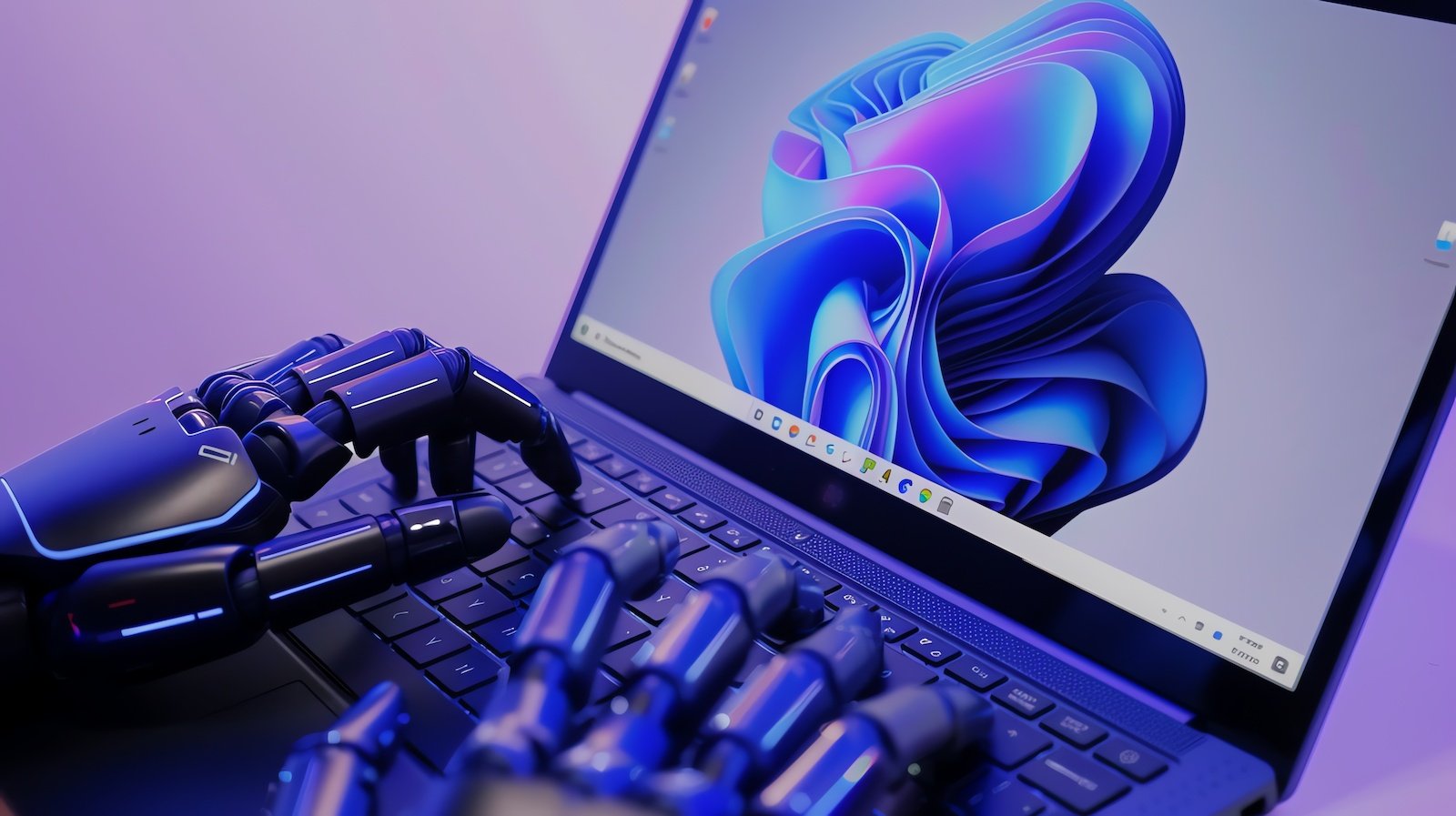
Microsoft has taken another major leap in AI-powered computing by introducing background AI agents in Windows 11. These smart agents are designed to quietly automate tasks, organize files, and help users complete digital work faster than ever – all while running behind the scenes.
This innovation marks a shift toward agentic AI on personal computers, bringing intelligent automation directly into the operating system.
The new AI agents are a part of the Agent Workspace, an experimental feature that Windows 11 users can enable manually. Once activated, these background agents can:
These agents behave like mini digital assistants working silently in the background to keep your system clean, organized, and efficient.
Microsoft has given these agents read and write permission to commonly-used folders such as:
This access helps the agents automate file handling efficiently — whether it’s cleaning clutter, categorizing files, or preparing content.
Each agent has individual permissions, meaning their access is isolated. One agent cannot automatically take control of data given to another. This ensures a safer and more controlled experience.
Even though the agents run in the background, Windows 11 gives users full visibility. The system displays:
This level of transparency ensures users always know when AI automation is taking place.
Windows 11 has already introduced Copilot, a powerful AI tool for answering queries and assisting with tasks. Now, with background agents, Copilot becomes even more useful.
These agents improve Copilot’s ability to:
It’s a step toward creating a fully integrated, hands-free digital assistant environment.
Giving AI access to personal folders naturally raises questions. Microsoft emphasizes that:
Since this is still experimental, Microsoft is likely to gather user feedback to make privacy protections even stronger.
Your PC becomes smarter, more organized, and less cluttered — without extra effort.
Automated file management can save time, speed up workflows, and help prepare daily tasks.
This may improve productivity but also requires careful management of permissions and security settings.
Windows 11’s new background AI agents represent a big step toward intelligent, autonomous computing. The idea of having AI quietly manage your files, organize your workspace, and support your daily digital activities makes PC usage more seamless and efficient.
As AI becomes deeply integrated into operating systems, Windows users can look forward to even more automation, convenience, and personalized digital assistance.