Physical Address
304 North Cardinal St.
Dorchester Center, MA 02124
Physical Address
304 North Cardinal St.
Dorchester Center, MA 02124

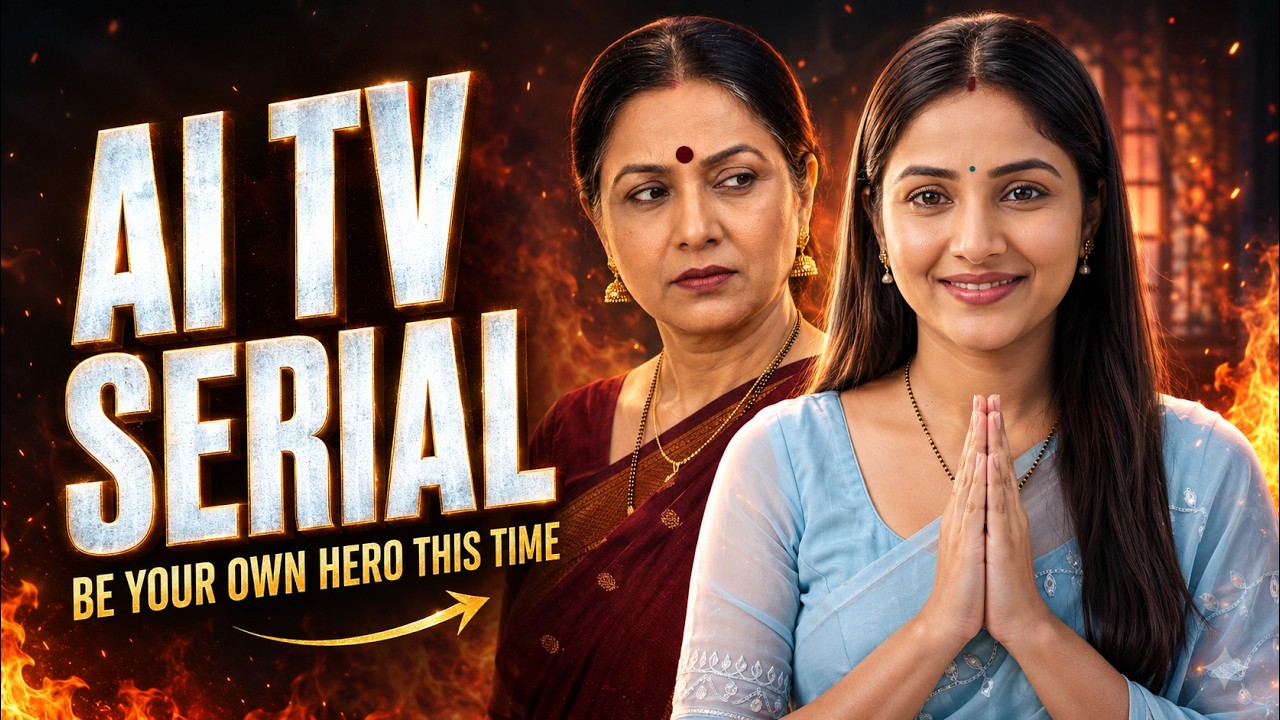
Have you ever imagined becoming the lead character in your own television serial? With modern AI tools, you can now transform this idea into a complete video series without hiring actors, arranging shooting locations, or purchasing expensive camera equipment.
You can create a personal AI avatar, design an entire cast, generate dramatic scenes with dialogue, and reuse the same characters in future episodes. Whether you want to produce family drama, comedy, romance, suspense, or emotional stories, AI can help you handle almost every stage of production.
Here is a complete beginner-friendly guide to creating a realistic AI TV serial using your own face.
Tool features, subscription requirements, free credits, models, and availability can change. Always check the latest options available in your account.
Short dramatic videos are highly suitable for platforms such as YouTube Shorts, Instagram Reels, and Facebook.
They can capture viewers’ attention through:
Unlike a one-time video, a serial allows you to bring the same characters back in multiple episodes. Viewers gradually become familiar with their personalities and may return to see what happens next.
Using your own face for the lead character also makes the content more personal and memorable.
This workflow can be used for different types of AI videos, including:
The tools may change, but the basic creative process remains the same: plan the story, build the characters, divide it into scenes, generate the clips, and edit the final episode.
To create an AI TV serial, you will generally need:
For better character consistency, select a video platform that allows you to save and reuse character references.
Before creating characters, decide what your serial will be about.
Start by answering these questions:
For your first AI serial, choose a simple and relatable situation.
A young woman named Anu is the daughter-in-law of a traditional family. Her sister-in-law Priya wants to eat something sweet, but her mother-in-law Radha believes Anu cannot prepare traditional desserts.
Anu accepts the challenge and makes bread rasmalai. Priya loves it, while Radha pretends that it is not very good. However, she quietly asks Anu to bring four more pieces.
This concept is effective because it includes drama, food, family relationships, and humour.
If you want to play the lead role, create a reusable avatar using your face.
Depending on the tool, you may need to record a short selfie video. The platform may ask you to:
For a better avatar:
After the avatar is created, check whether it resembles you accurately. This avatar will become the identity reference for your lead character.
Every character should have a different personality and purpose.
Do not create characters based only on their appearance. Their behaviour, expressions, dialogue style, and relationships are equally important.
For example:
Anu is respectful, warm, and intelligent. She remains calm during disagreements and proves herself through her actions.
Radha is traditional, proud, and easily irritated. She often criticises Anu but secretly appreciates her talent.
Priya is friendly, expressive, and supportive. She creates a positive emotional connection between the other two characters.
Distinct personalities make scenes easier to understand and give the audience a reason to remember every character.
Explain your complete story and cast to ChatGPT. Ask it to create a visual prompt for every character.
A character prompt can define:
If the lead character uses your saved avatar, avoid writing a detailed facial description that could compete with the avatar reference. Focus on clothing, styling, expression, and personality.
Use a separate prompt for every supporting character.
Open the character or image-generation section of your chosen AI platform.
For the lead character:
Repeat the same process for the remaining characters.
Your reference image should ideally include:
Avoid using an action-heavy scene as the main reference. A clean portrait or medium shot is usually easier to reuse.
Do not start producing random clips without completing the story.
Write the entire episode first, including:
A clear script prevents unnecessary generations and helps maintain continuity.
This structure can be expanded into more shots when detailed cooking or reaction moments are needed.
AI video generators usually perform better with short and focused instructions.
Divide your episode according to the maximum clip duration supported by the selected model. If each clip can be 10 seconds long, plan every shot for approximately 8–10 seconds.
Each scene should contain:
Avoid placing an entire conversation, cooking sequence, and reaction in the same clip.
A well-planned short scene is easier to generate and correct.
Convert each storyboard shot into a detailed text-to-video prompt.
A useful prompt should include:
Mention every character appearing in the scene.
Explain where and when the scene takes place.
Describe where each character is sitting or standing.
Write the movements in chronological order.
Mention how every character feels and reacts.
Write the exact dialogue and identify the correct speaker.
Mention the shot size, angle, and movement.
Explain how the scene should progress within the available duration.
“Characters used: Anu, Priya and Radha. The scene takes place in an elegant Indian living room during the morning. Priya sits on the sofa while Anu stands beside her. Radha is seated in the background and observes them. Priya smiles at Anu and says, ‘Bhabhi, I feel like eating something delicious and sweet today.’ Anu replies warmly, ‘Of course, why not?’ Radha remains completely silent and reacts with a slightly doubtful expression. Begin with a wide three-character shot, slowly move closer during Priya’s dialogue, and end with Anu’s confident smile. Use natural body movement, accurate speaker-specific lip-sync, realistic expressions, soft daylight, and clean television-serial-style cinematography.”
One of the most important consistency rules is to attach every visible character—even if they do not speak.
If Radha is standing in the background while Anu and Priya are talking, Radha must still be included in the character list.
Otherwise, the AI might:
You can write:
“Radha remains silent throughout the scene. Her lips must not move. She only reacts through her eyes and facial expression.”
This makes the performance instructions much clearer.
Start by generating only the first scene. Check the result carefully before moving to the next shot.
Review:
If the result is incorrect, reuse the same prompt instead of writing everything again.
Modify only what needs correction.
For example:
Small corrections are often more effective than completely changing the prompt.
All scenes belonging to the same sequence should look connected.
Maintain the same:
If Anu is wearing a blue saree in the living-room scene, she should not suddenly appear in a green saree in the next kitchen shot unless the story includes an outfit change.
Mention continuity instructions in every connected prompt.
Once all scenes are approved, arrange them in the correct order.
During editing:
Avoid using excessive effects. The story and character performances should remain the main focus.
After completing the episode, save the best reference image of each character.
When creating a new episode, reuse those approved images instead of generating the cast again from the original descriptions.
If you want to modify an outfit, write:
“Use the attached image as the exact identity reference. Preserve the same facial identity, facial features, skin tone, hairstyle structure, and age appearance. Change only the outfit to a green traditional saree with suitable jewellery. Do not redesign the face.”
Approve the updated reference before using it in multiple scenes.
This allows you to change clothing and styling while keeping the character recognisable.
If you plan to create several episodes, maintain a character bible.
Record the following information for every character:
Also save your best scene prompts. You can reuse their structure and replace only the location, dialogue, and action.
Clearly mention the speaker’s name before the dialogue and instruct other characters to remain silent.
Use the same approved reference image and avoid changing several visual details simultaneously.
Write that their lips must remain closed and that they should react only through facial expressions.
Reduce the number of actions, simplify the camera movement, and include natural pauses.
Use the same detailed location description in every connected prompt.
Shorten the dialogue or divide it into two separate shots.
Use simpler movements and avoid complicated object interactions in a single generation.
Some AI platforms offer free credits, trials, promotional plans, or limited access. However, these offers can change over time and may depend on your location, mobile plan, account eligibility, or subscription.
Before creating your project, check:
The creative workflow can remain the same even if the platform’s pricing or feature availability changes.
Creating an AI TV serial becomes easier when you treat it like a real production instead of relying on a single prompt.
The process involves:
The first episode may take time because you are building your cast and testing your visual style. Once the characters, prompts, and workflow are established, creating future episodes becomes much faster.
With strong storytelling, consistent characters, clear dialogue, and carefully planned scenes, you can build your own AI-generated TV serial and become the lead character in every episode.